Extensions
#Positions
Extension position defines where your extension appears within the Akeneo PIM interface. You can select from a variety of available positions, which vary depending on the specific extension type.
Key Concepts:
- Position Options: Each extension type offers a set of predefined positions. These positions control the location of your extension's interface elements.
- Contextual Relevance: Position options are designed to align with the functionality of each extension type, ensuring a seamless user experience.
#Available positions for Extensions
| Positions | Action | Link | Iframe | Data/Custom Component |
|---|---|---|---|---|
| pim.product.header | ✔️ | ✔️ | ✔️ | ✔️ |
| pim.product-model.header | ✔️ | ✔️ | ✔️ | ✔️ |
| pim.sub-product-model.header | ✔️ | ✔️ | ✔️ | ✔️ |
| pim.product.tab | ❌ | ❌ | ✔️ | ✔️ |
| pim.product-model.tab | ❌ | ❌ | ✔️ | ✔️ |
| pim.sub-product-model.tab | ❌ | ❌ | ✔️ | ✔️ |
| pim.category.tab | ❌ | ❌ | ✔️ | ✔️ |
| pim.product-grid.action-bar | ✔️ | ❌ | ✔️ | ✔️ |
| pim.product.index | ✔️ | ❌ | ❌ | ❌ |
| pim.activity.navigation.tab | ❌ | ❌ | ✔️ | ✔️ |
| pim.product.panel | ❌ | ❌ | ✔️ | ✔️ |
| pim.product-model.panel | ❌ | ❌ | ✔️ | ✔️ |
| pim.sub-product-model.panel | ❌ | ❌ | ✔️ | ✔️ |
| pim.performance.analytics.tab | ❌ | ❌ | ✔️ | ✔️ |
| pim.reference-entity-record.tab | ❌ | ❌ | ✔️ | ✔️ |
#Positions list
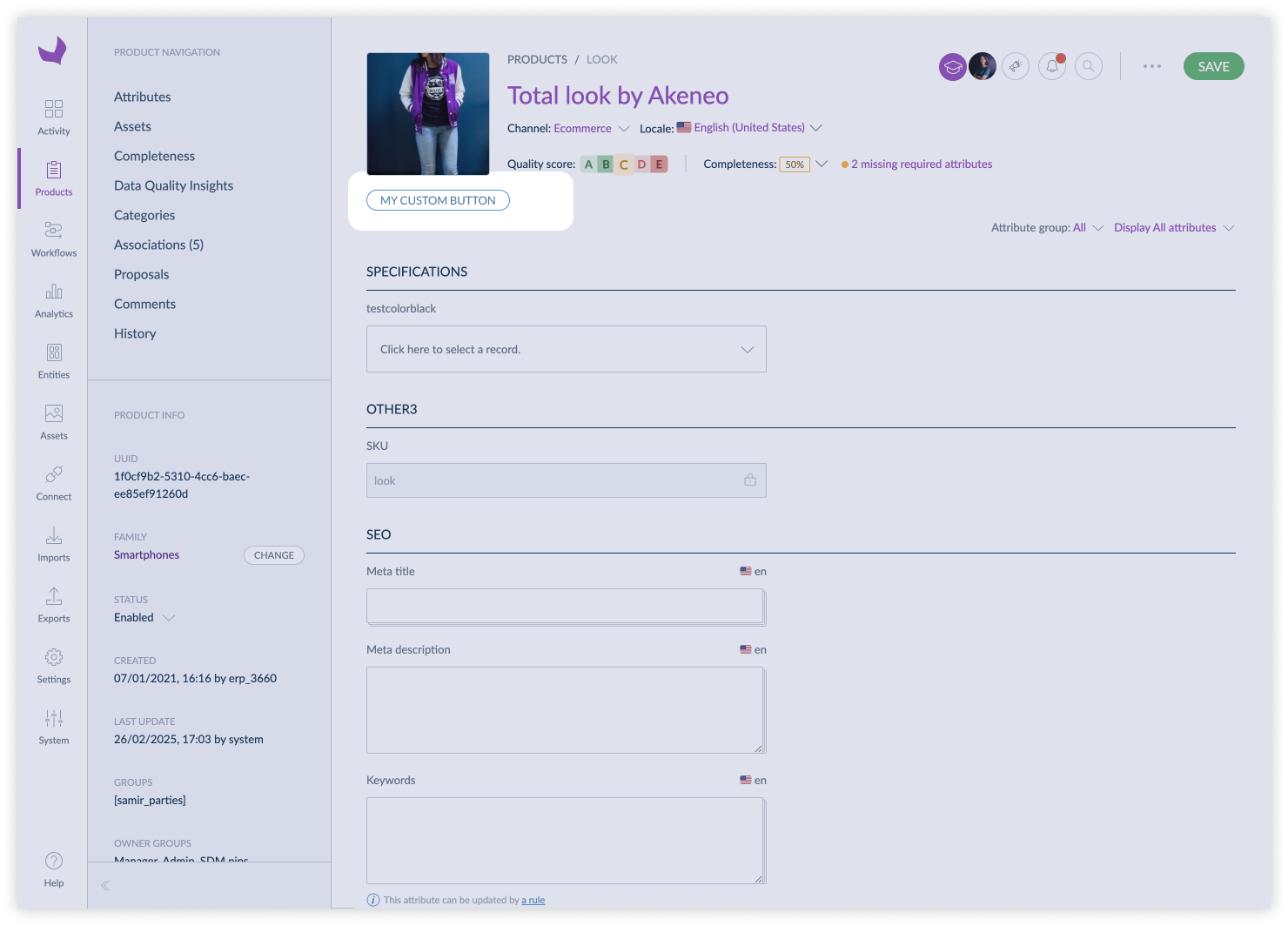
#pim.product.header / pim.product-model.header / pim.sub-product-model.header
This position refers to the header of a simple product, variant, root model or sub product model edit page.
When using a Custom Component or Iframe in this context, note that the size of the container is limited in height to keep the page readable. A best practice is to limit the number of extensions in this position to one.
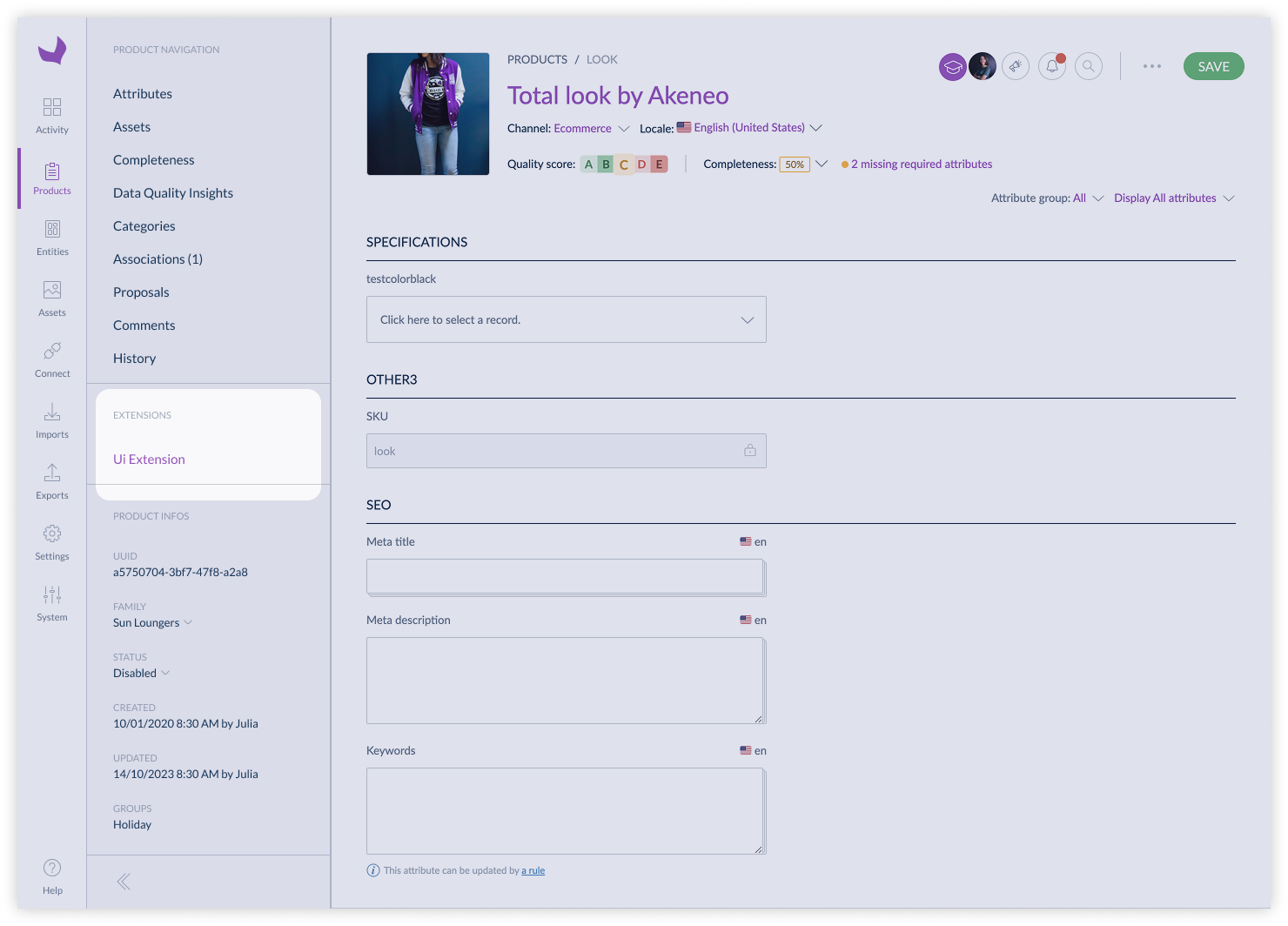
#pim.product.tab / pim.product-model.tab / pim.sub-product-model.tab
This position refers to the tab of a simple product, variant, root model or sub product model edit page.
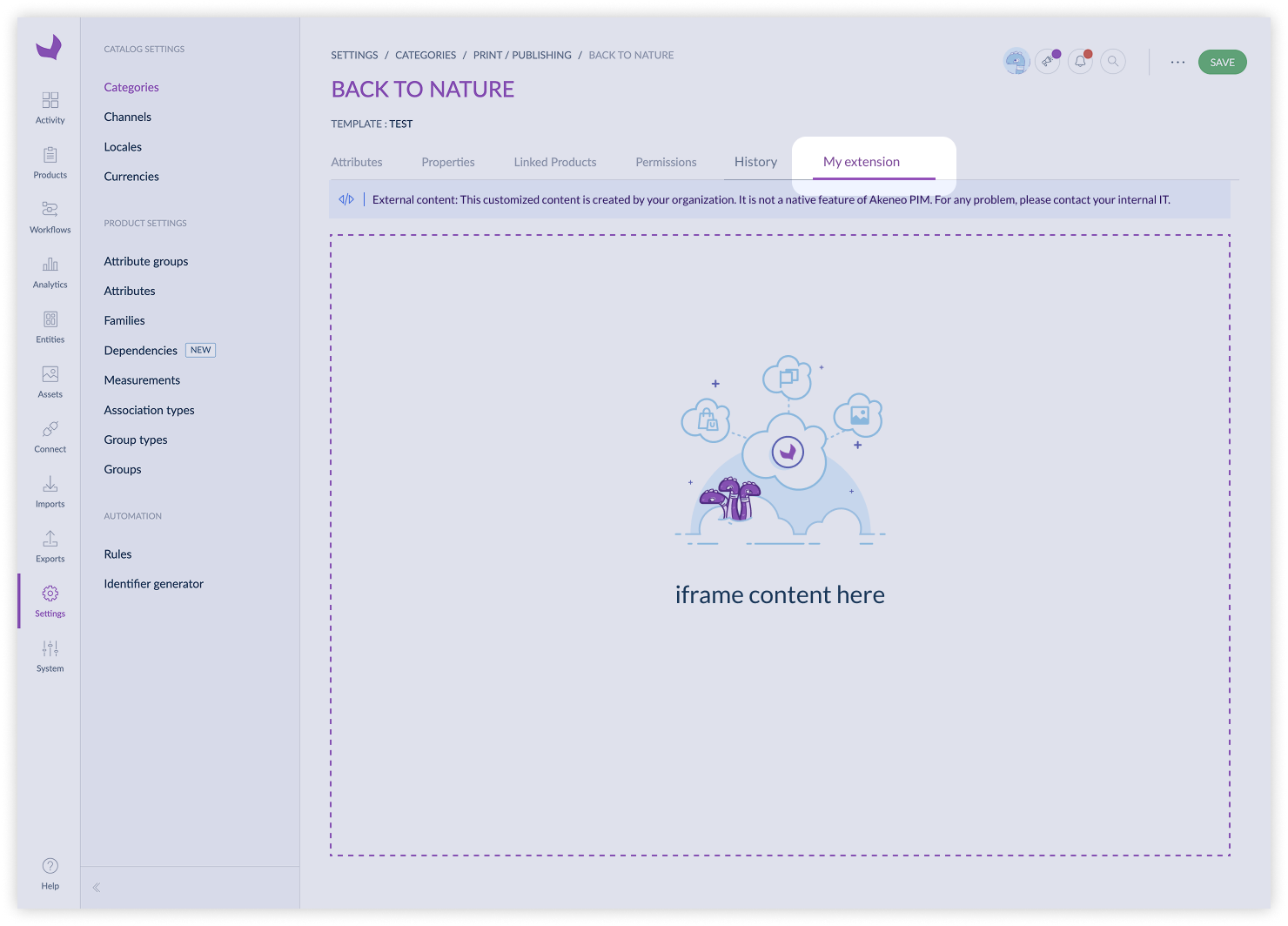
#pim.category.tab
This position refers to the tab of a category edit page.
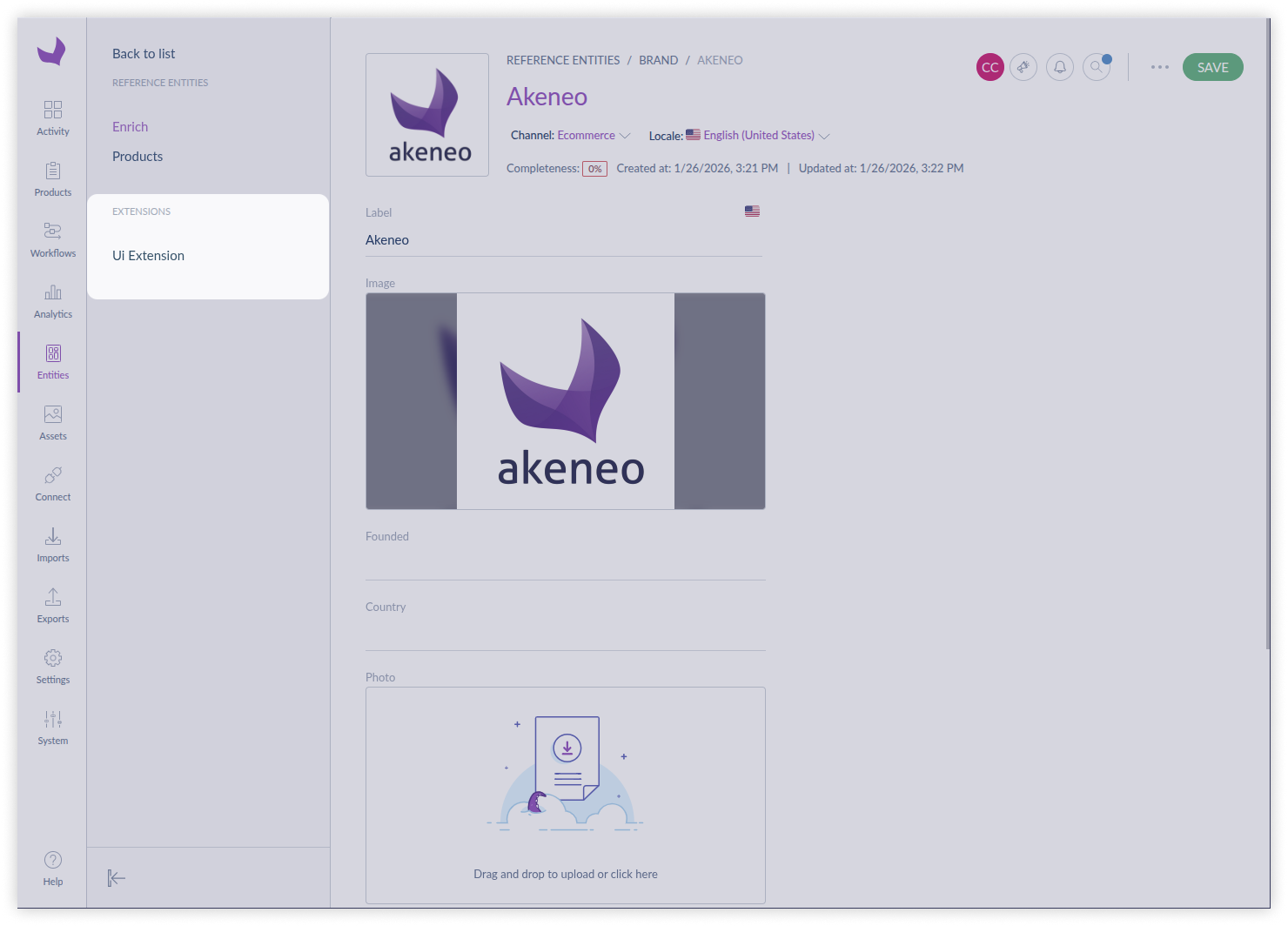
#pim.reference-entity-record.tab
This position refers to the tab of a reference entity record edit page.
#pim.product-grid.action-bar
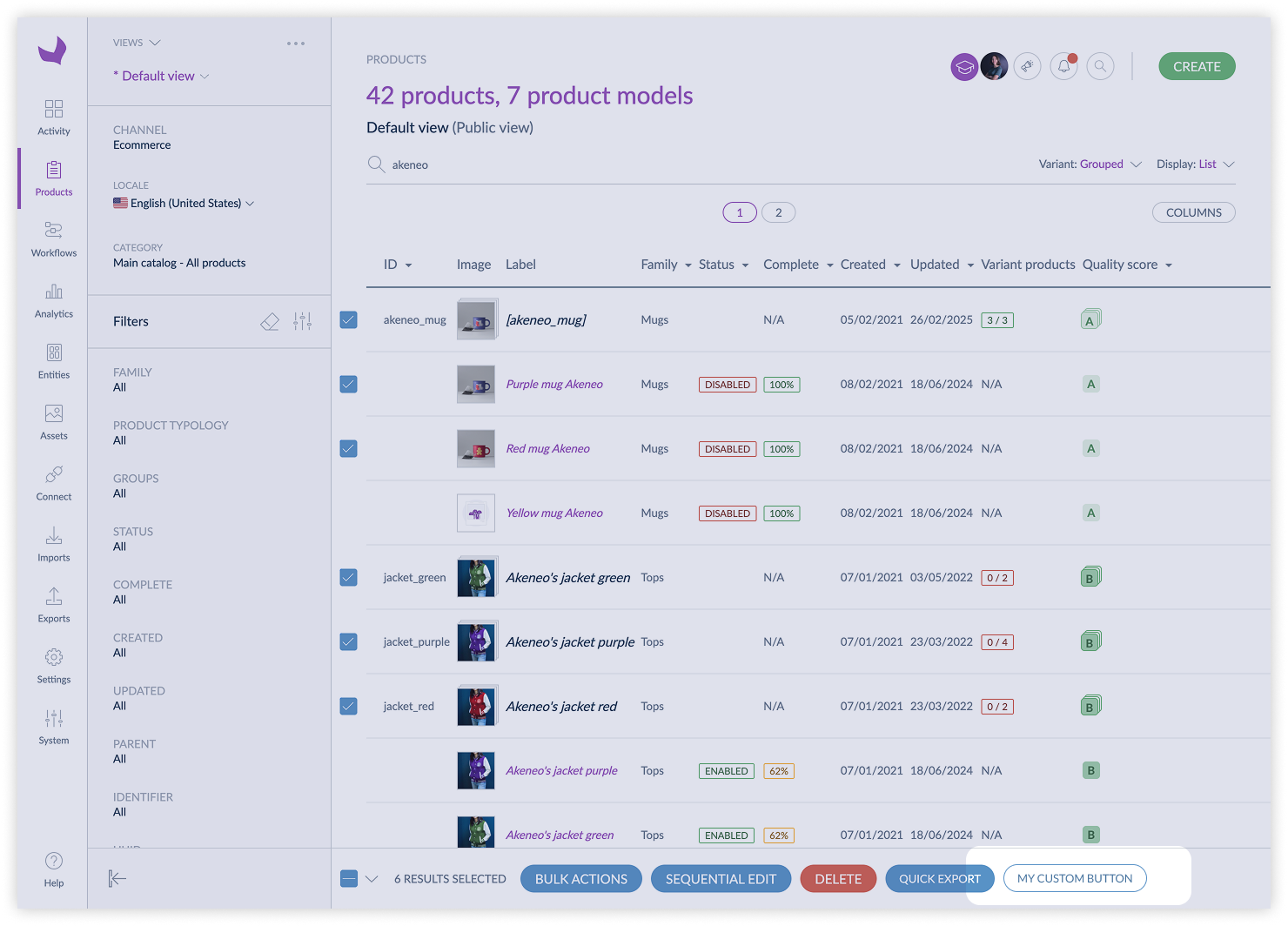
This position refers to the action bar of the product grid. It is used to add actions that can be applied to multiple products at once.
When using an Extension in this context, note that:
- Some filters are not applied when listing products and product models
- The number of selected items is limited to 500
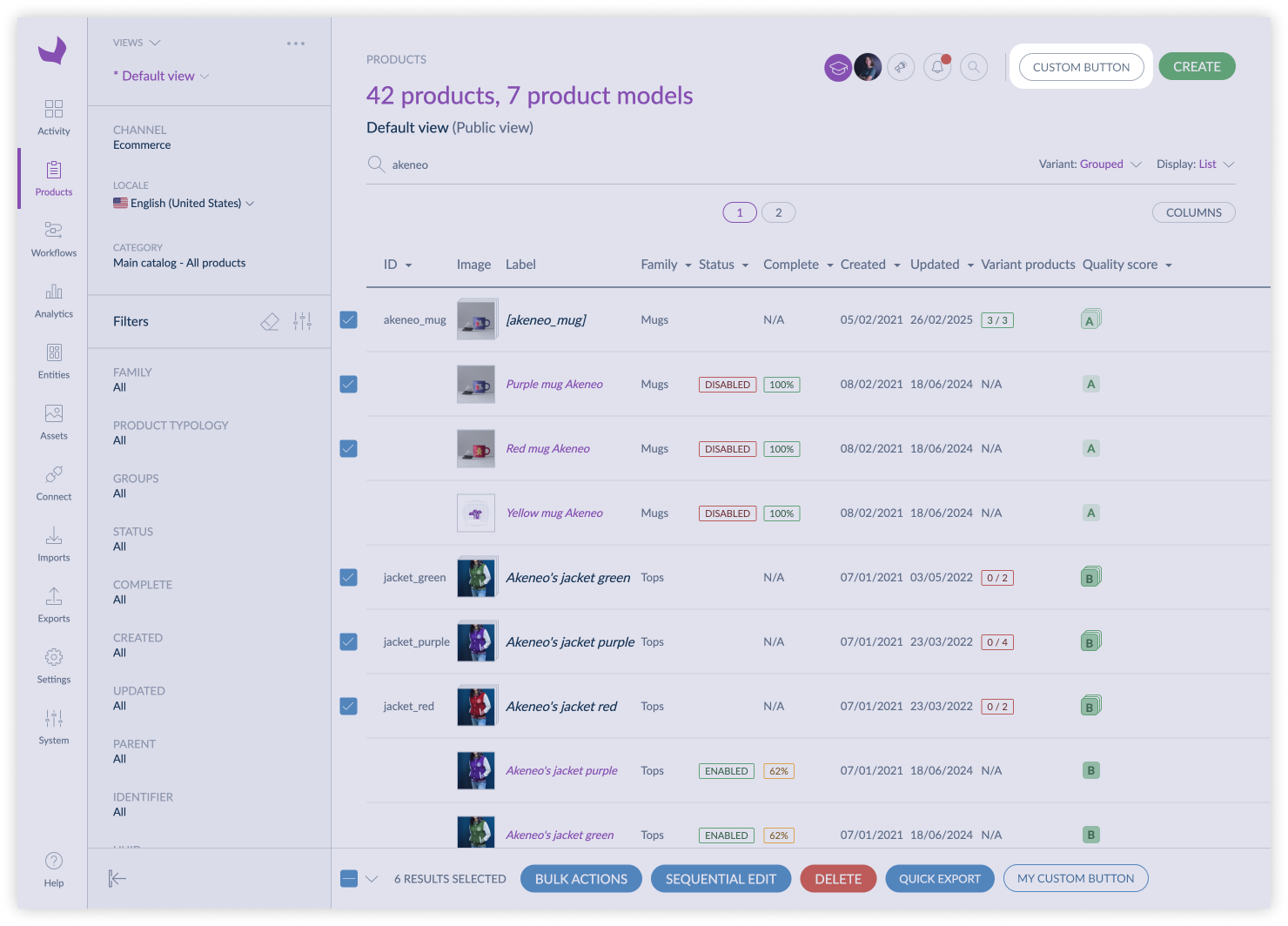
#pim.product.index
This position refers to the top left menu of the product list page.
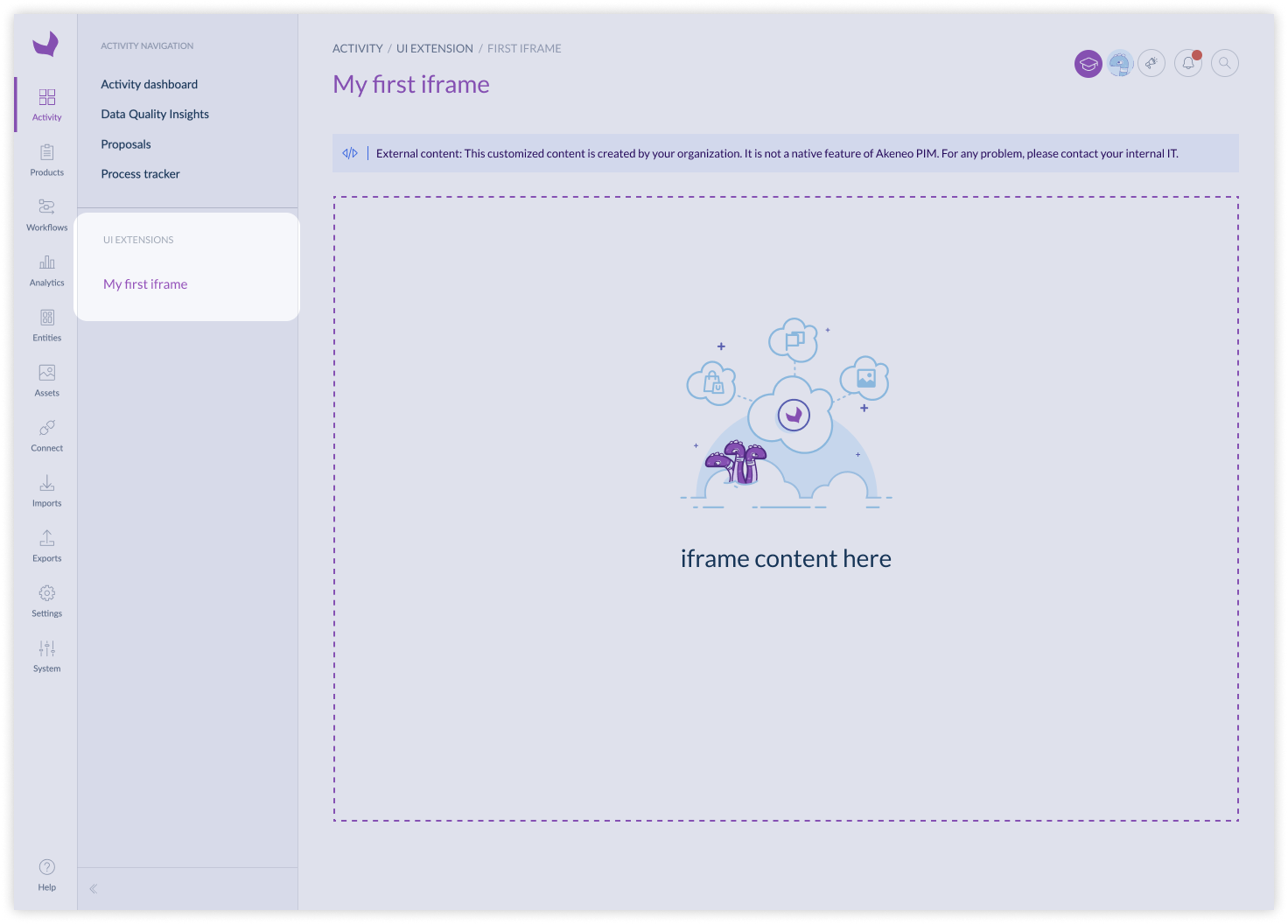
#pim.activity.navigation.tab
This position refers to the tab of the activity navigation. It is used to add custom tabs in the activity navigation of the PIM.
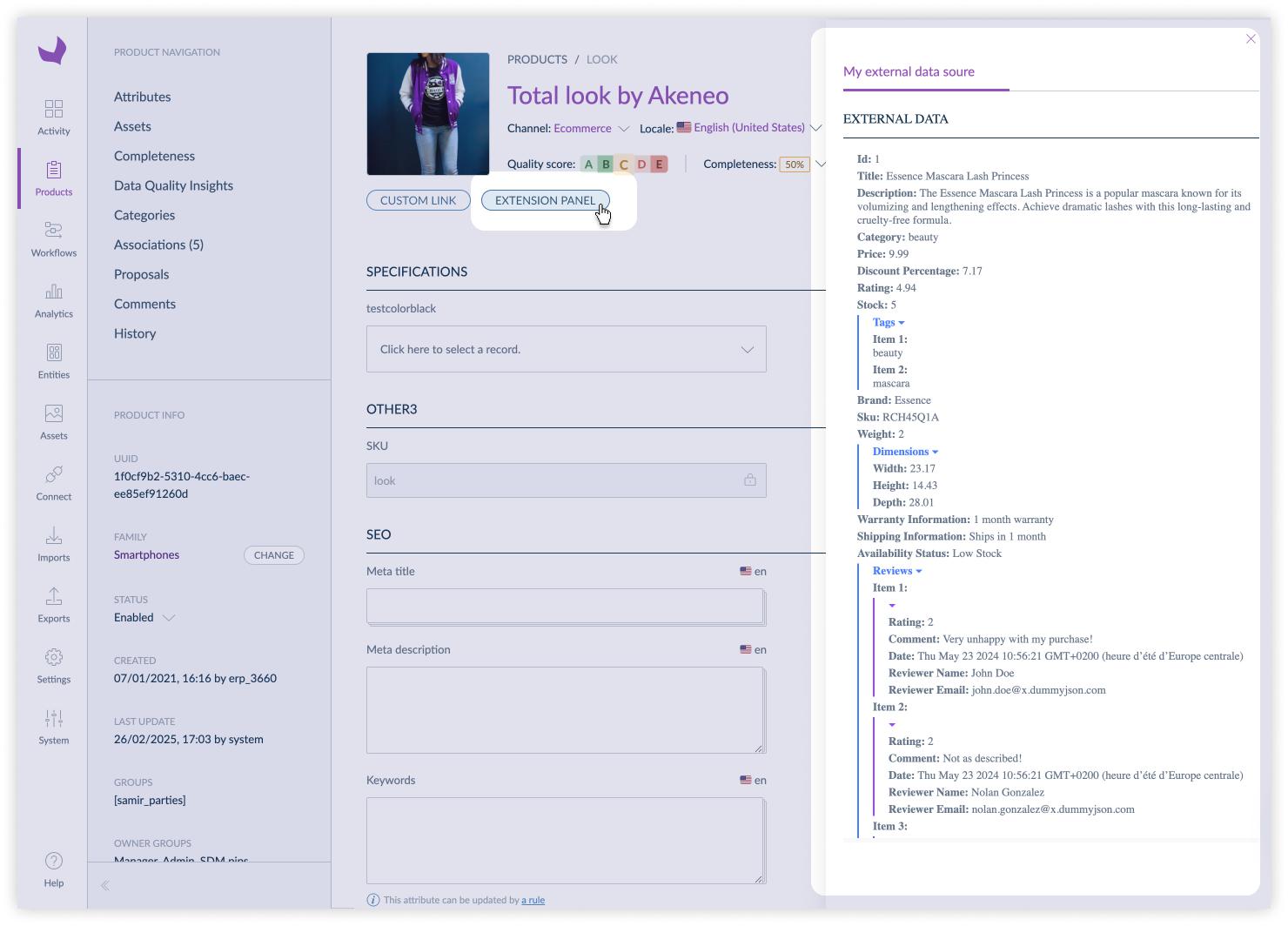
#pim.product.panel / pim.product-model.panel / pim.sub-product-model.panel
This position refers to the right panel of a simple product, variant, root model or sub product model edit page.